The $59 Voice Recorder That Beats a $159 AI Note-Taker#
I’ve been prototyping something over the last few days. It started as a simple cost comparison and turned into a genuinely better pipeline than what I was shopping for.
The shopping list: I wanted a small wearable recorder for meetings, conversations, and the occasional medical visit. The Plaud NotePin kept coming up. It’s a nice piece of hardware, $159, clips to your shirt, records conversations, and transcribes them through Plaud’s cloud app. But the transcription requires a subscription. You’re paying $9 to $19 a month on top of the device, and your audio lives on their servers.
So I started wondering what the same workflow looks like without the subscription model. Without the cloud. Without paying a company to hold my conversations.
Turns out it’s cheaper, faster, and gives you more data.
The Hardware Swap#
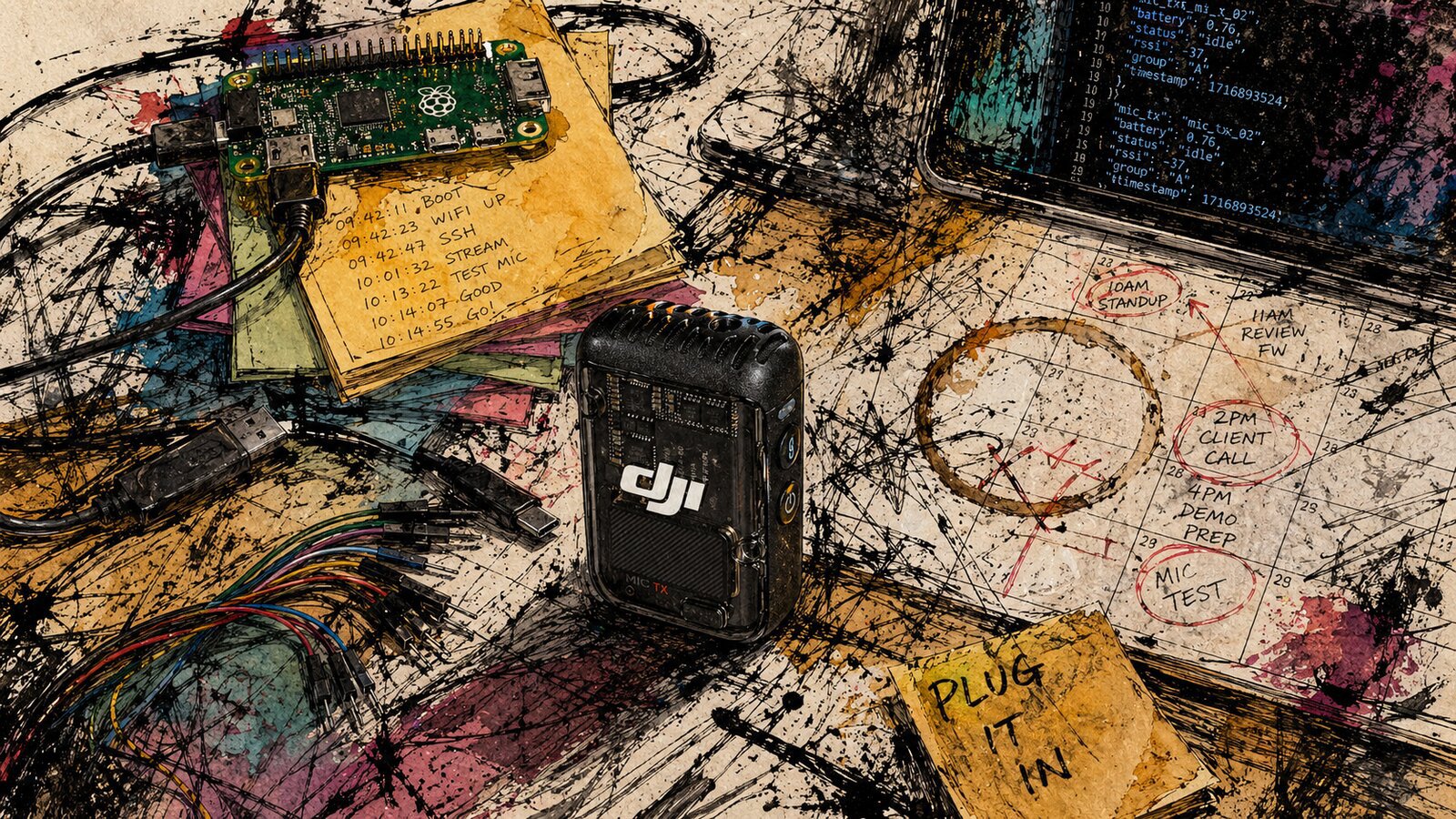
The Plaud NotePin is, at its core, a digital voice recorder. Good mics, small body, onboard storage. That’s not trivial. But the DJI Mic 2 transmitter, sold as a single unit for $59 at B&H Photo, does the same job with better audio specs.
It supports 32-bit float internal recording at 48 kHz. The 32-bit float part matters because it means the audio can’t clip. If someone raises their voice in a meeting, or a room gets loud, the recording doesn’t distort. That’s a safety net most recorders don’t have.
There is one catch: DJI defaults the transmitter to 24-bit recording. This recommendation is for the transmitter alone, not a receiver bundle, so the DJI Mimo mobile app is required to change the internal-recording format to 32-bit float. Once configured, it works as a standalone recorder. Clip it on, press record, walk away.
It has 8 GB of internal storage, which holds about 14 hours of uncompressed audio.
The trade-off is honest: the form factor is less discreet than the NotePin. It’s a mic body, not a jewelry-sized pin. You look like you’re wearing a microphone. For some contexts, that’s a feature, not a bug. People know they’re being recorded.
The Transcription Engine#
Here’s where it gets interesting. Plaud transcribes your audio in the cloud. You upload, you wait, you get a transcript back. You also give Plaud your audio.
The alternative runs entirely on your Mac. whisperkit-cli, from argmaxinc, is a command-line tool that does Whisper transcription using the Apple Neural Engine on any M-series chip. It’s free. It’s open source. It’s installed with brew install whisperkit-cli.
You drop the WAV file off the DJI transmitter, run one command, and you get a transcript back in seconds. No upload. No API key. No subscription. No network.
The command:
whisperkit-cli transcribe \
  --audio-path "/path/to/recording.WAV" \
  --language en \
  --diarization \
  --report
The --diarization flag separates speakers. The --report flag outputs structured JSON with word-level timestamps and speaker labels. The JSON file saves right next to the audio file on disk.
What You Get That Plaud Doesn’t#
This is the part that surprised me. I expected a cheaper transcript. What I got was richer data.
Plaud’s app gives you a clean transcript and an AI summary. That’s useful. But the JSON pipeline from whisperkit-cli gives you a structured temporal document. Every word has a timestamp. Every speaker change is marked. You can see exactly when each word was spoken, by whom, and in what order.
That timing data is not just metadata. It’s signal.
You can derive speaking rate changes, which often map to nervousness or emphasis. You can measure pause duration, which tells you about hesitation or tactical silence. You can see interruption patterns and overlap, which reveals who’s driving a conversation and who’s being talked over. You can calculate response latency after a question.
None of this is available from Plaud’s output. Their summary flattens the temporal structure into prose. The JSON preserves it.
The Privacy Angle#
This matters more than I expected going in.
Every recording you make with Plaud goes through their cloud. Their privacy policy governs what happens to it. Their encryption protects it. Their retention schedule determines how long it stays. You’re trusting a company with audio of your actual conversations.
The local pipeline doesn’t have this problem because the problem doesn’t exist. The audio file lives on your Mac. The transcription runs on your Mac. The JSON output lives on your Mac. Nothing leaves the machine unless you choose to send it somewhere.
For casual meeting notes, maybe you don’t care. For medical visits, legal conversations, or anything you’d rather not have sitting on a third-party server, it’s the difference between a workflow you can use and one you can’t.
The Friction#
I’m not pretending this is frictionless. It isn’t.
Plaud’s workflow is one button. Press record on the device, sync through the app, get your transcript and summary. Done.
The DJI plus whisperkit-cli workflow has steps. You copy the audio file off the transmitter. You run the transcribe command. You get your JSON. Then you do something with it. It’s two steps instead of one, plus a file transfer.
There’s also no built-in summary. You get a transcript and timestamps. If you want a summary, you feed the JSON into an agent – something like Hermes Agent or OpenClaw – and ask it to synthesize. Which, if you’re already running a local agent, is not really an extra step. It’s just a different prompt.
And you need a Mac to transcribe. Specifically an Apple Silicon Mac. The Neural Engine does the heavy lifting. If you don’t have one, this pipeline doesn’t work for you. Plaud’s cloud works on any device with a browser.
The Cost#
Here’s the math over two years:
Plaud route: $159 for the device, plus $108 to $228 per year for a subscription. Year one costs $267 to $387. Every year after that is another $108 to $228.
DJI plus local route: $59 for the transmitter. $0 for whisperkit-cli. $0 per year after that. Total cost is $59, forever, unless you lose the mic.
If you already have an M-series Mac (and if you’re reading this blog, there’s a decent chance you do), the marginal cost of transcription is zero. The Neural Engine sits idle most of the time. It might as well be doing useful work.
Where This Goes#
The transcription side works. The friction I’m still working on is getting the audio off the mic.
Right now, the DJI Mic 2 exposes itself as a USB drive when you plug it in. You open it, copy the files, eject. It’s fine. But “fine” is not zero friction, and zero friction is the goal.
I’m prototyping a couple of approaches to make the export process literally: plug the mic into a USB-C port, wait for a light to go from red to green, and the files are already queued for processing.
One option is custom ESP32 firmware that mounts the mic’s storage, exfiltrates the recordings to a local queue, wipes the mic’s internal storage, and ejects cleanly. RGB LED tells you what’s happening: red while it’s reading, amber while it’s wiping, green when it’s done. You pull the mic out and the recordings are already sitting where your agent can see them.
If the ESP32 route doesn’t work with the DJI’s USB interface, a Raspberry Pi Zero 2 W should handle it. Same idea, more headroom.
From there, the agent takes over. It transcribes the audio with whisperkit-cli, reads the JSON output, and correlates the recording’s timestamp with calendar events. If you had a meeting from 2:00 to 2:30 and a WAV file shows up at 2:31, the agent can infer which meeting it belongs to without you telling it. It produces a structured summary and files it in the vault with full provenance back to the source audio.
The whole pipeline, end to end: clip on the mic, record, plug it in at the end of the day, watch a light turn green, and wake up to processed notes in your system. No subscriptions. No cloud uploads. No manual file management.
It’s a pipeline, not a product. But it’s my pipeline. Nobody’s subscription expires. Nobody changes their pricing. Nobody reads my conversations.
The Plaud NotePin is a well-designed device. I don’t want to dunk on it. But if you have a Mac and you’re comfortable with a command line, you can build something that costs less, gives you more data, and keeps everything on your own machine.
That’s worth a few extra steps.